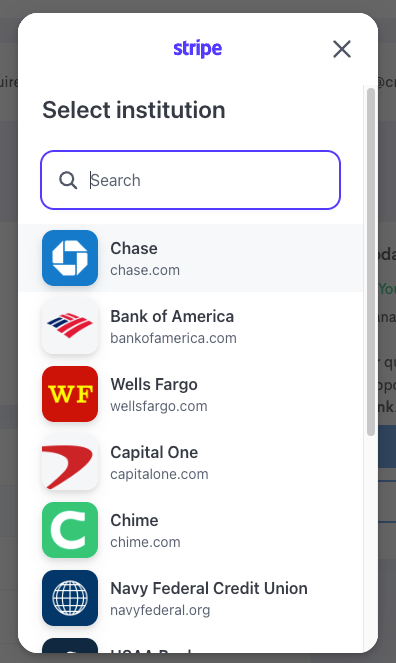
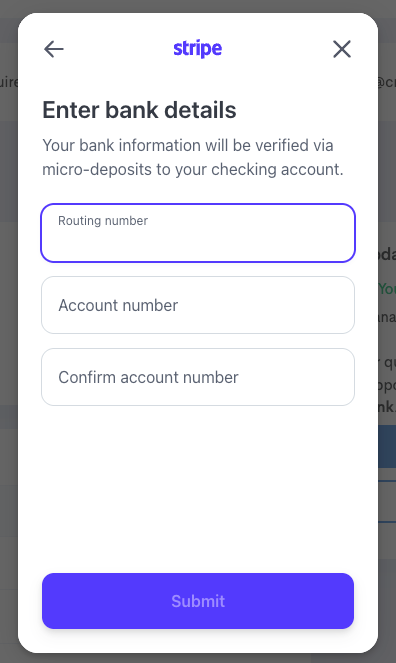
If you bank with another institution that does not appear on the short list of banks that appear in Stripe, you can directly enter your bank number and routing number to establish ACH. To access the direct input option, simply start typing your bank name. If it does not appear in selection options, select 'manually enter details' when the option appears. This will let you enter your account and routing number manually.
Step-by-Step: ACH - Business or Other Bank Through Stripe - Account Selection
Follow these steps when setting up ACH payment per store
Step 1: Navigate to Payment Setup
- Log into app.craftable.com
- Select the specific store location you are setting up payment for (top-left store selector)
- Click your username (top right) → Manage Subscription → Set Up Payment Method → Set Up ACH - Business or Other Bank
Step 2: When Stripe Launches — Use the Search Function to Enter Bank Name
- If Stripe does not show your banking institution in the results, select "manually enter details" when the option appears under "No Results"
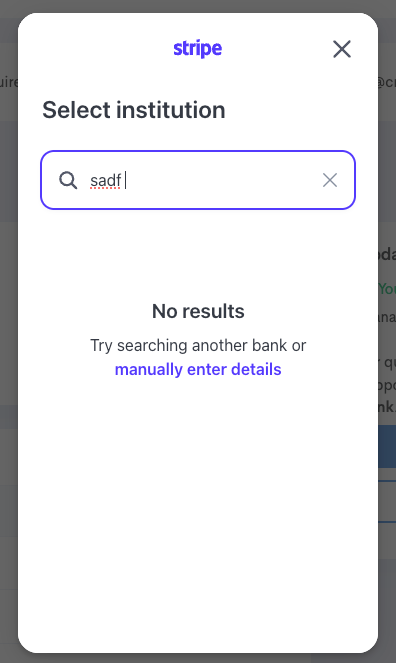
- ⚠️ The text link appears small, almost as fine print and is easy to miss..
- Click the text: "manually enter details"
- Then type in your Routing Number, Account Number and Confirm Account Number:
Step 3: Verify Microdeposits - (1-3 Business Days)
- Check your bank account for distribution of microdeposits from "FNBTech"
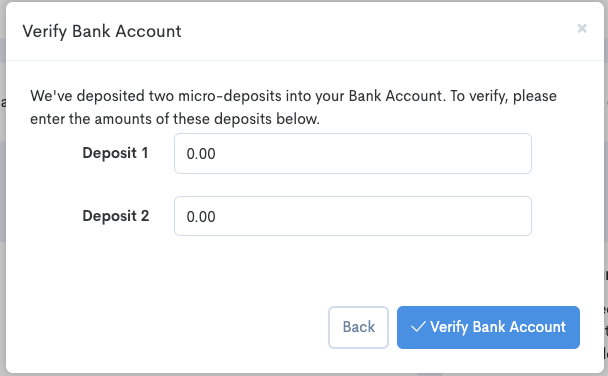
- Log back into Craftable App and follow the prompts to verify microdeposits

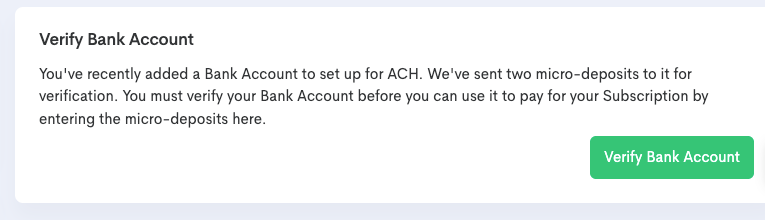
- Enter the deposits in the order you received them
- Deposit 1 will be the older of the two transactions, appearing first in your bank record
- Deposit 2 will be the newer of the two transactions, appearing second in your bank record
- Once verified, the microdeposits will be cleared back from your bank in 2 weeks or less